

Fiberpy product
QR code creation and item data management.
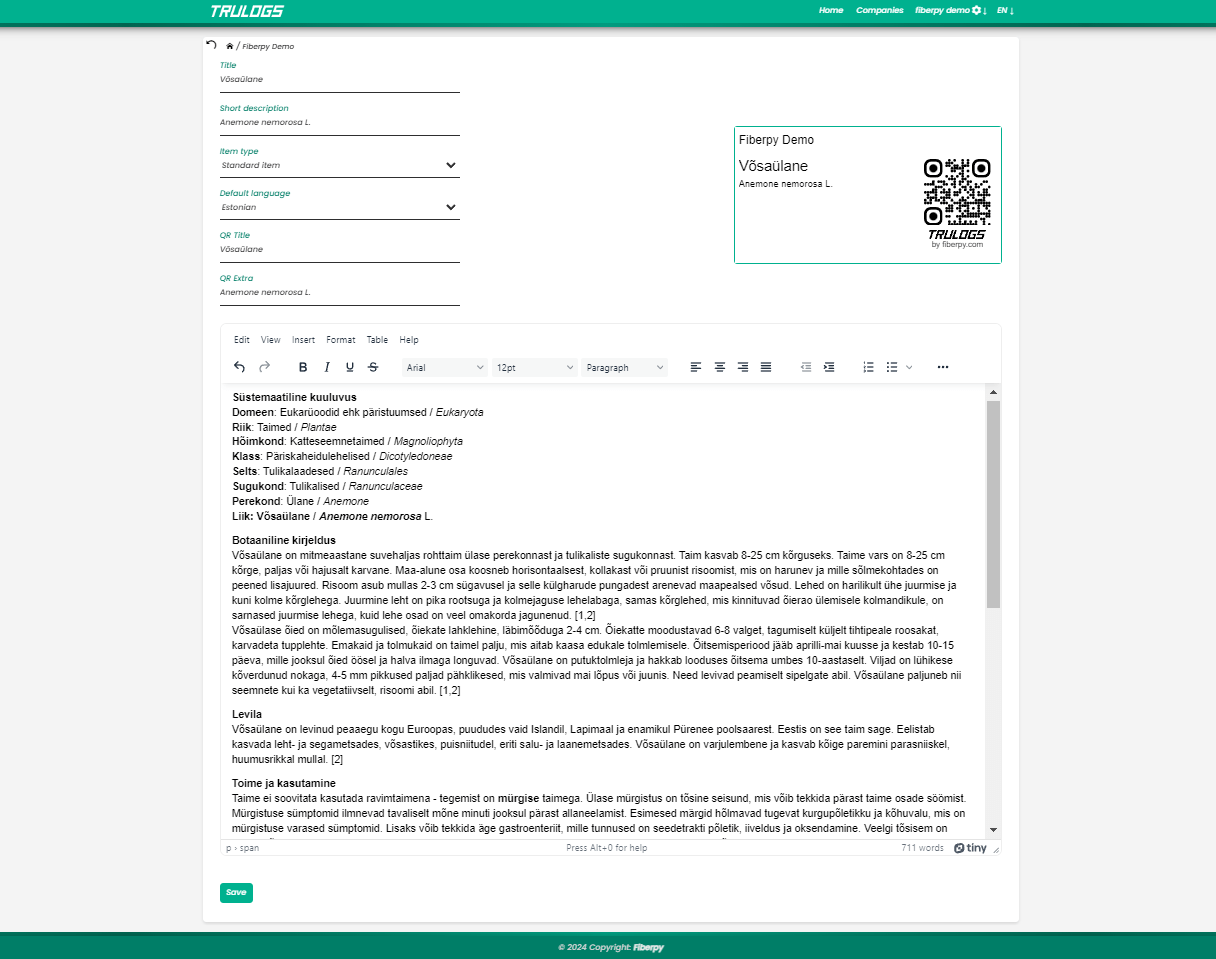
Trulogs helps create items, attach images and descriptions, generate unique QR codes, and choose whether a scan redirects users or shows item information.
What it does
Create, customize, and track QR-linked item data.
The demo account gives you a sandbox to test the key workflows and understand whether the system fits your business processes.
Create items
Add images, descriptions, and structured information for the items you need to manage.
Generate QR codes
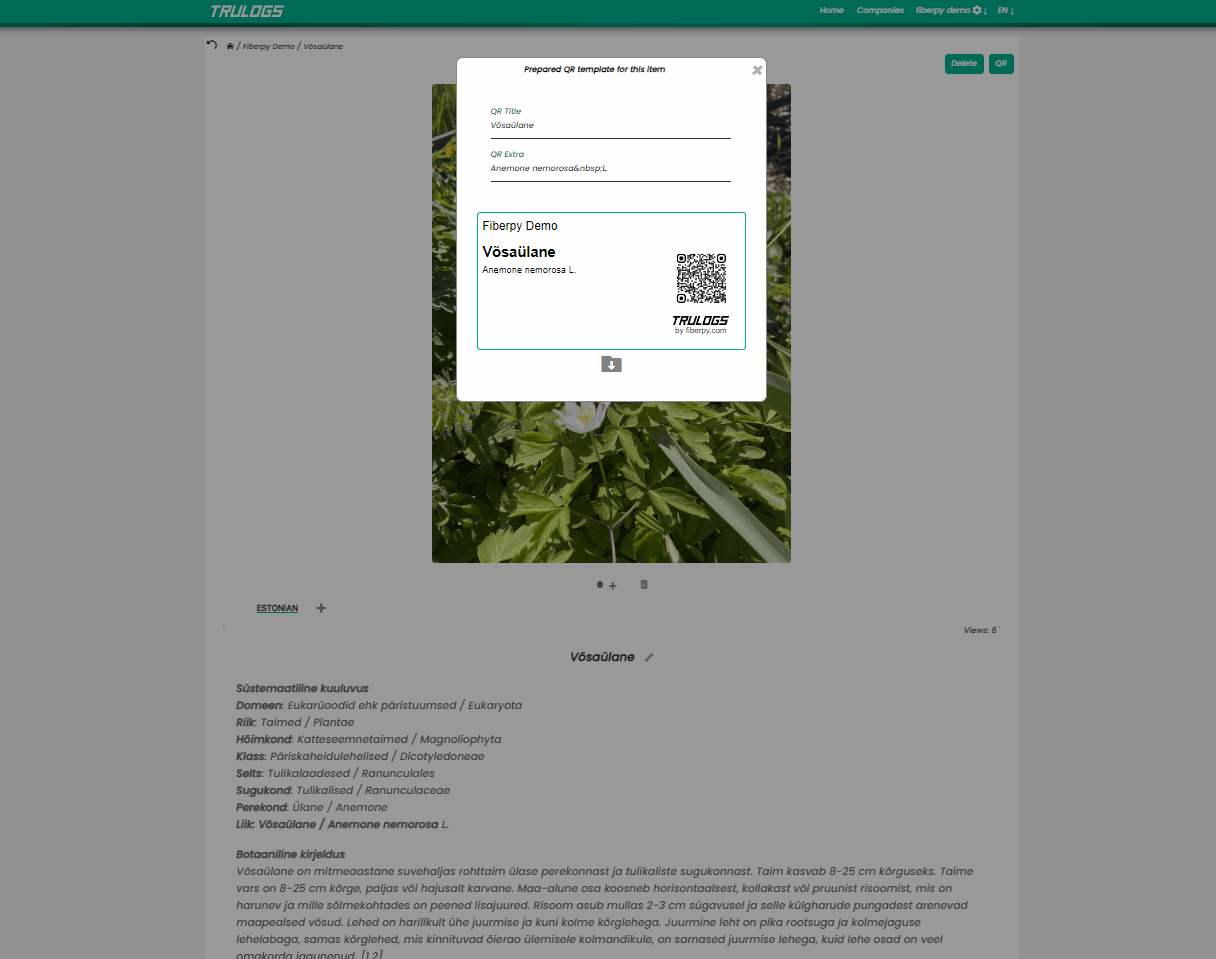
Create separate QR codes for each item to support quick access and accurate tracking.
Choose scan behavior
Redirect users to a website or show the item information directly from the QR code flow.
QR workflows
Keep printed QR codes useful even when information changes.
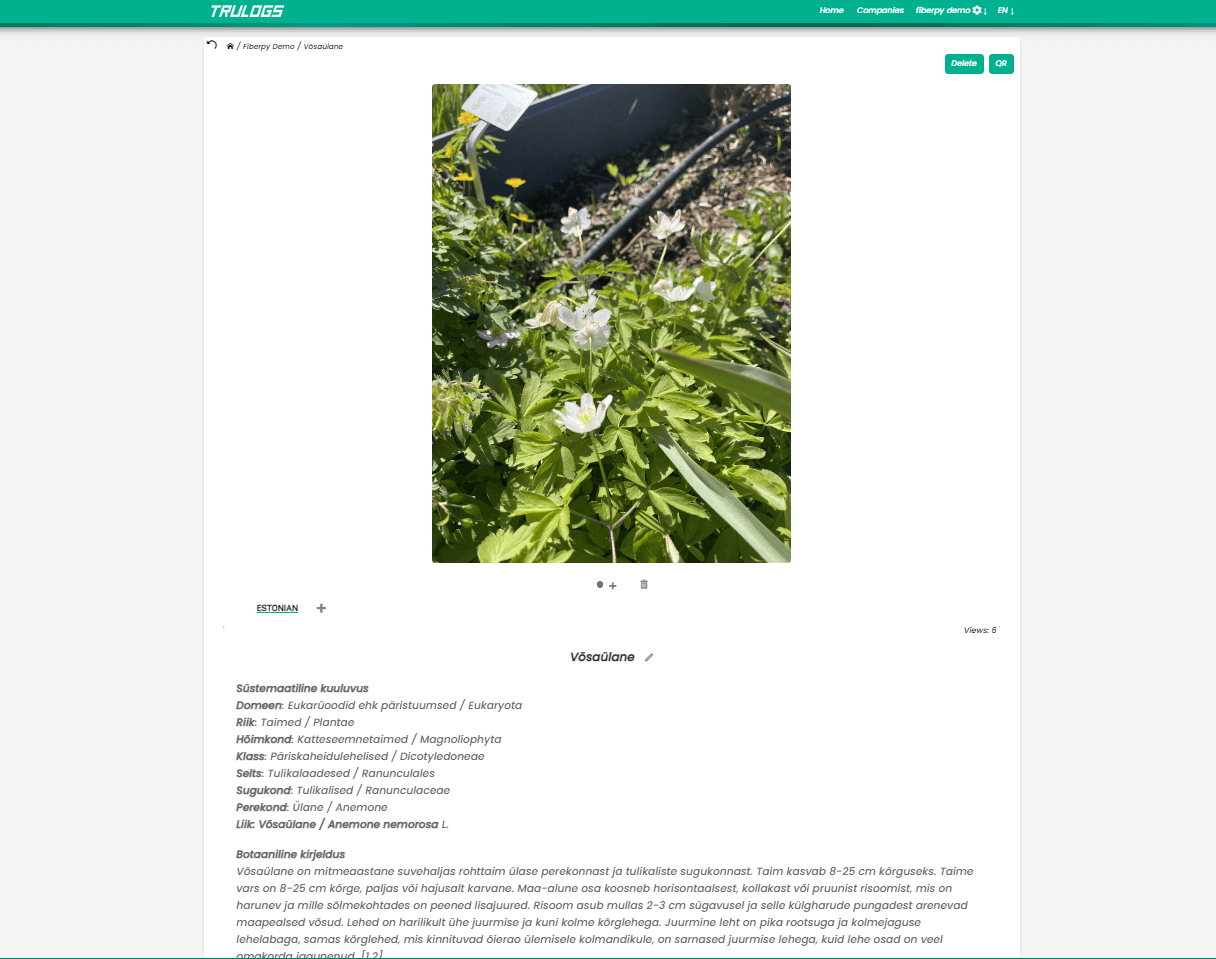
Trulogs can host item pages, redirect scans to external pages, keep QR destinations current, and help collect view statistics for item data.
Real-time updates
Update item information without reprinting QR codes.
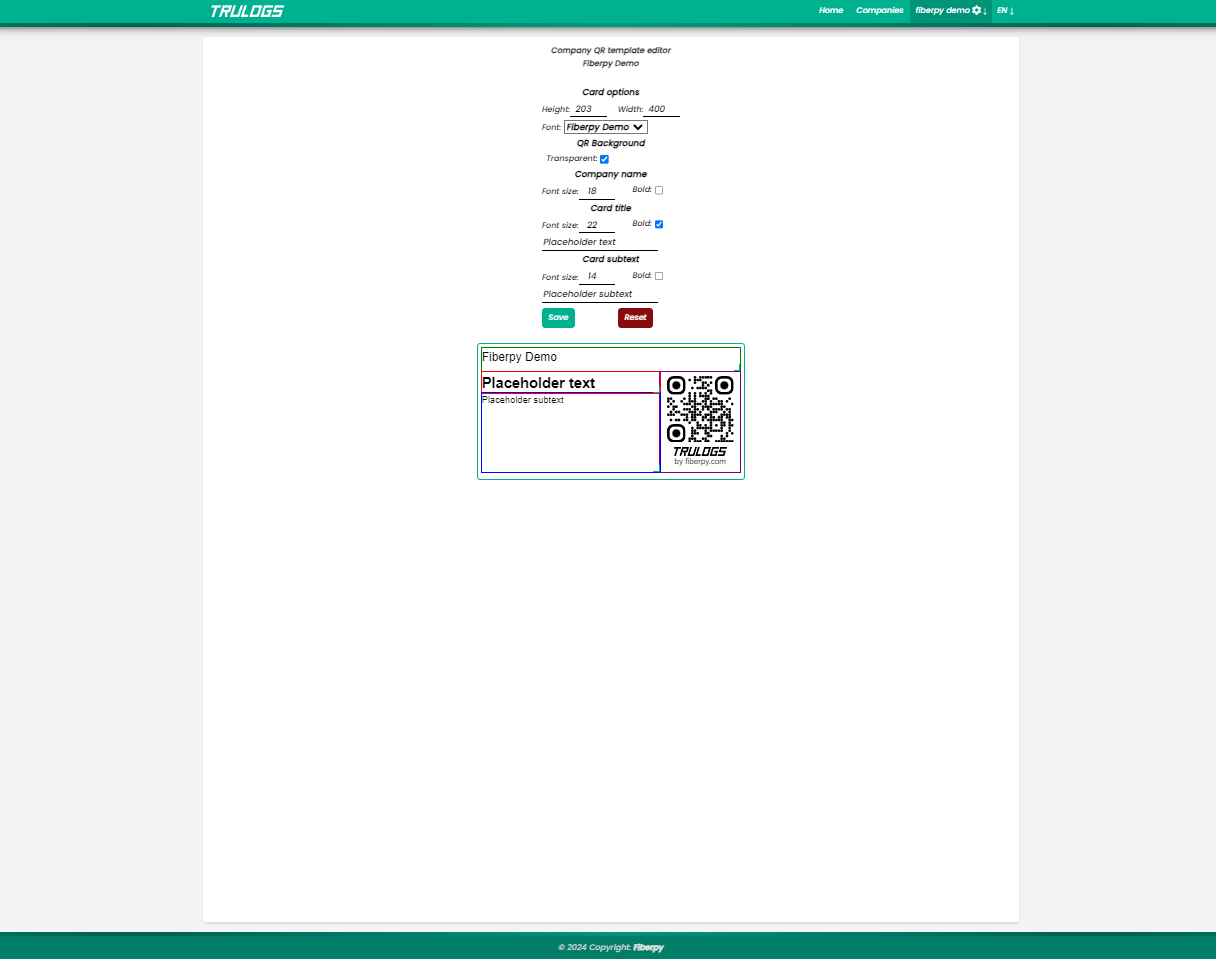
Custom QR cards
Generate QR codes and card designs for items, brands, events, or promotions.
Hosted item pages
Share item details on Trulogs when a separate website is not needed.
Interface
Built for straightforward daily use.
Need something similar?
Fiberpy can build QR, inventory, and data workflows for your own process.
If Trulogs is close but not exact, talk to us about a custom web application or integration.